Workflow Guide
AI Photo to Video Workflow for Character Motion, Scene Continuity, and Faster Visual Output
AI photo to video works best when the product makes the transition from still input to motion output easy to understand. Users usually do not want a vague video generator. They want to know what kind of image to start from, what motion to add, and what kind of result they can expect.
Lovens fits this workflow because photo, character identity, and video intent can stay connected. That matters more than raw novelty. A strong page should show how one character image becomes a believable moving scene instead of a disconnected animation test.
This page focuses on the workflow side of the keyword so the content feels closer to a product guide than a review article.
The page is about moving a still visual into a short scene with believable continuation.
Useful for users who already have a photo concept and want a simple path into video.
Quick Answer
If your goal is to turn a character image into a short motion scene, Lovens is strongest when you already care about the identity, mood, and scenario behind the image. The workflow is clearer when input and output stay tied to the same character.
Workflow Highlights
- Best starting point: one clear character image with stable identity
- Best motion scope: short loops, gestures, and scene escalation
- Best adjacent pages: AI Video Generator and AI Character Video Generator
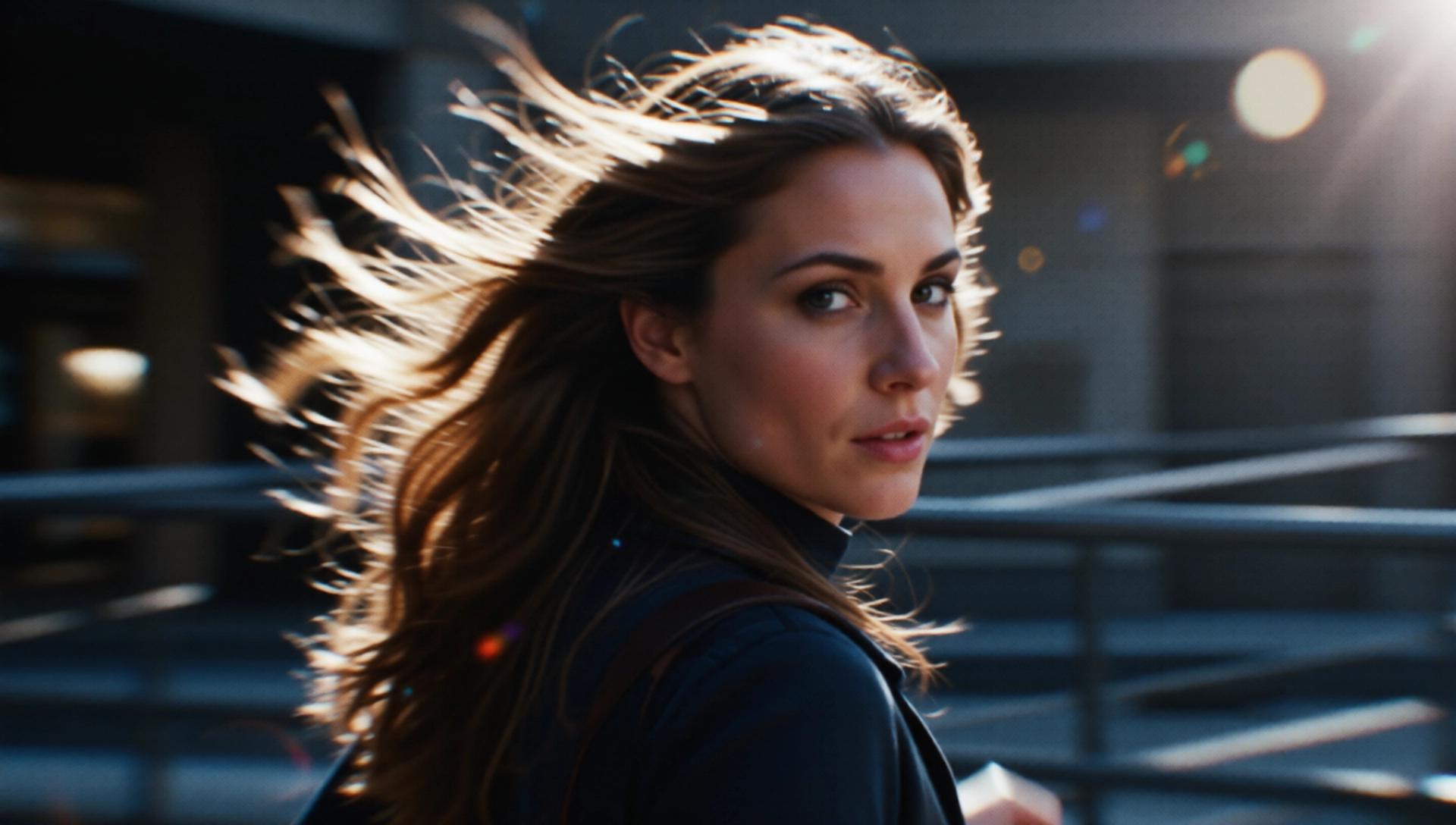
Workflow Snapshot
Start with a stable photo
Use a still image where the character face, outfit, framing, and scene mood are already clear.
Define the scene change
Choose whether the output should add camera movement, expression change, body motion, or atmosphere.
Generate a short video beat
The best result feels like the same image has been animated into one compact scene, not rebuilt from zero.
Iterate with the same identity
Once one image works, keep reusing the character concept across multiple motion variations.
A portrait, waist-up frame, or full-scene still where the identity is already established.
A short clip with motion layered onto the same character and scene direction.
Mood words like intimate, dramatic, playful, cinematic, or fantasy keep the motion aligned.
The generated video feels closer to the original emotional setup instead of drifting into a random aesthetic.
Workflow Examples
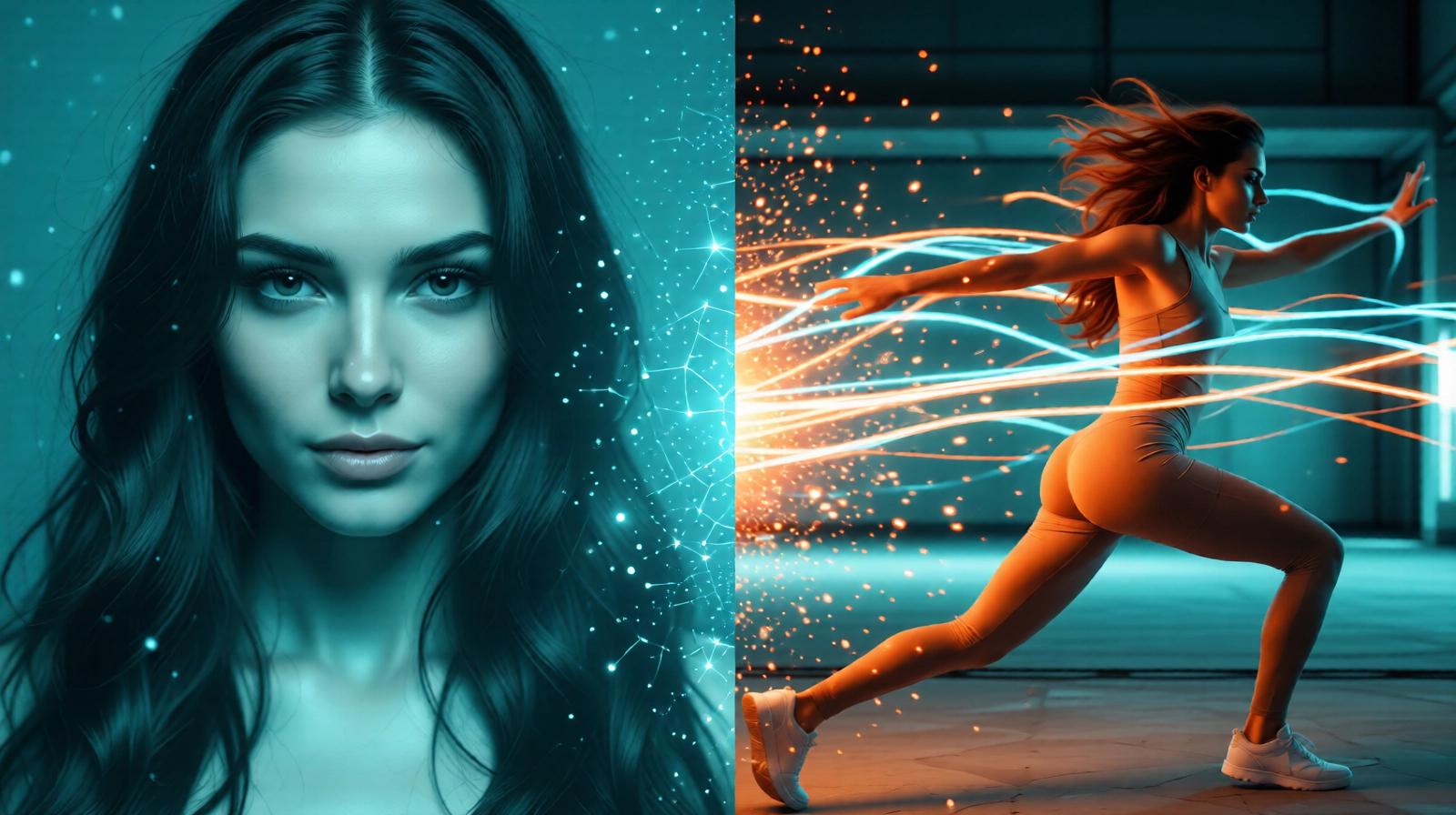
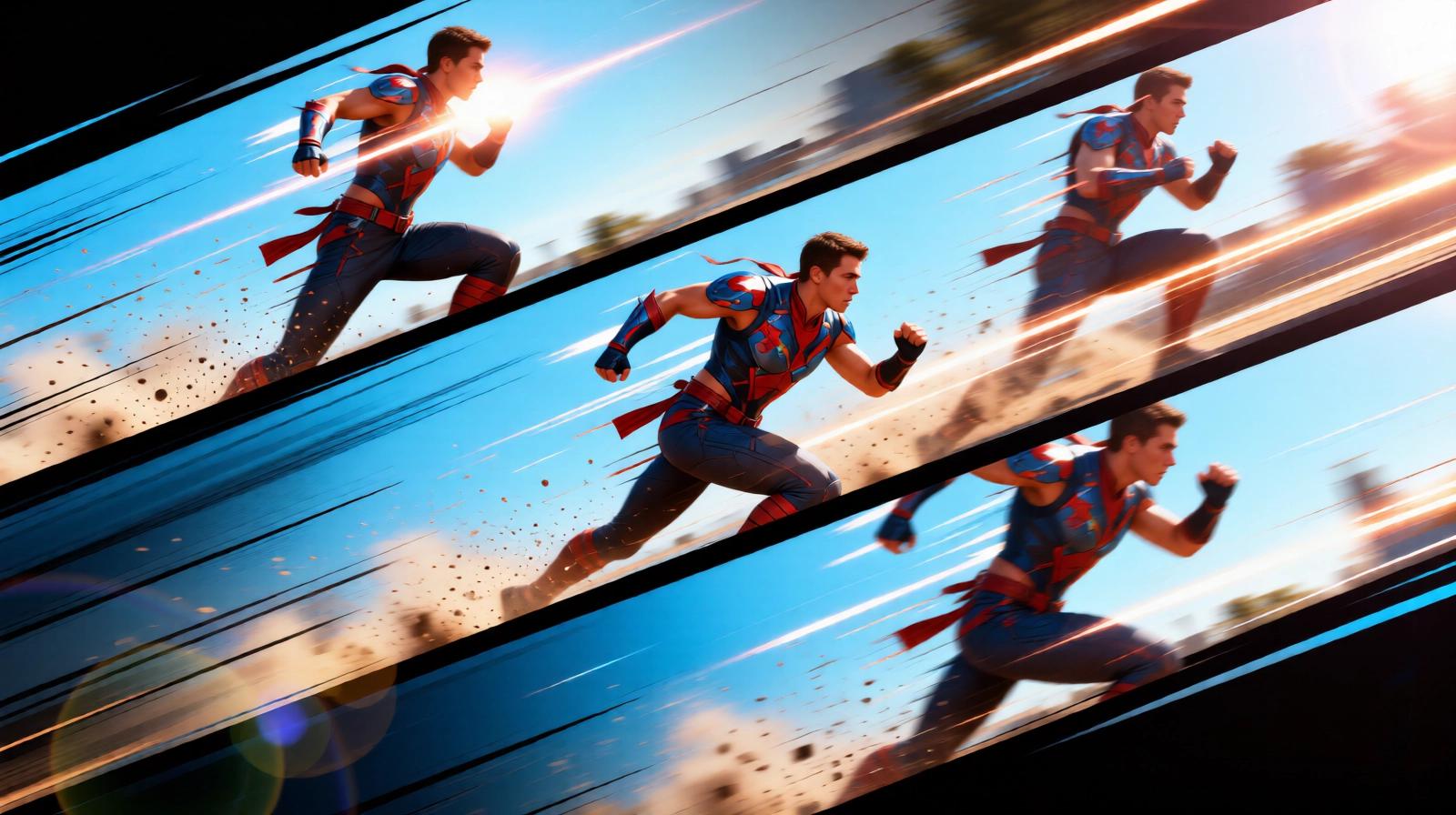
These visual examples support the input-to-output story of moving from still images into short-form motion.
Explore This Topic Cluster
Use these links to move back to the main hub page and across the closest pages in the same keyword cluster.
AI Video Creation Guides: Image to Video, Story Scenes, Character Motion, and Pair Dynamics
Browse AI video creation guides for image-to-video, character motion, story-led clips, paired scenes, and adjacent visual workflows on Lovens.
AI Porn Videos: Explore Adult Video Categories, Niches, and Scene Styles
Browse AI porn video categories across realism, anime, hentai, explicit scene types, and niche adult video prompts on Lovens.
Realistic AI Porn Video Generator for Better Texture, Body Motion, and Adult Scene Continuity
Generate realistic AI porn video scenes with stronger skin texture, body consistency, and adult motion continuity on Lovens.
AI Anime Porn Video Generator for Stylized Adult Motion, Fantasy Framing, and Cleaner Visual Identity
Create AI anime porn video scenes with stronger stylization, fantasy framing, and repeatable animated adult aesthetics on Lovens.
AI Hentai Video Generator for Explicit Fantasy Motion, Stronger Stylization, and Category-Specific Scenes
Generate AI hentai video scenes with stronger fantasy framing, explicit anime styling, and repeatable adult motion on Lovens.
AI Blowjob Video Generator for Explicit Motion, Camera Control, and Act-Specific Adult Scenes
Create AI blowjob video scenes with tighter act-specific framing, camera control, and explicit adult motion on Lovens.
AI Cumshot Video Generator for Finish-Focused Adult Clips and Stronger Visual Payoff Control
Generate AI cumshot video scenes with stronger finish control, explicit clip payoff, and better adult motion timing on Lovens.
How To Judge an AI Photo to Video Tool
This keyword is not only about whether a model can produce motion. It is about whether the motion feels like a continuation of the original image.
Does the character still look like the same person?
Does the motion stay readable instead of noisy?
Can you control the mood without rewriting the whole concept?
Does the result feel reusable for a broader character workflow?
Related Character References
These cards extend the topic of this page with matching public character examples and scene directions.
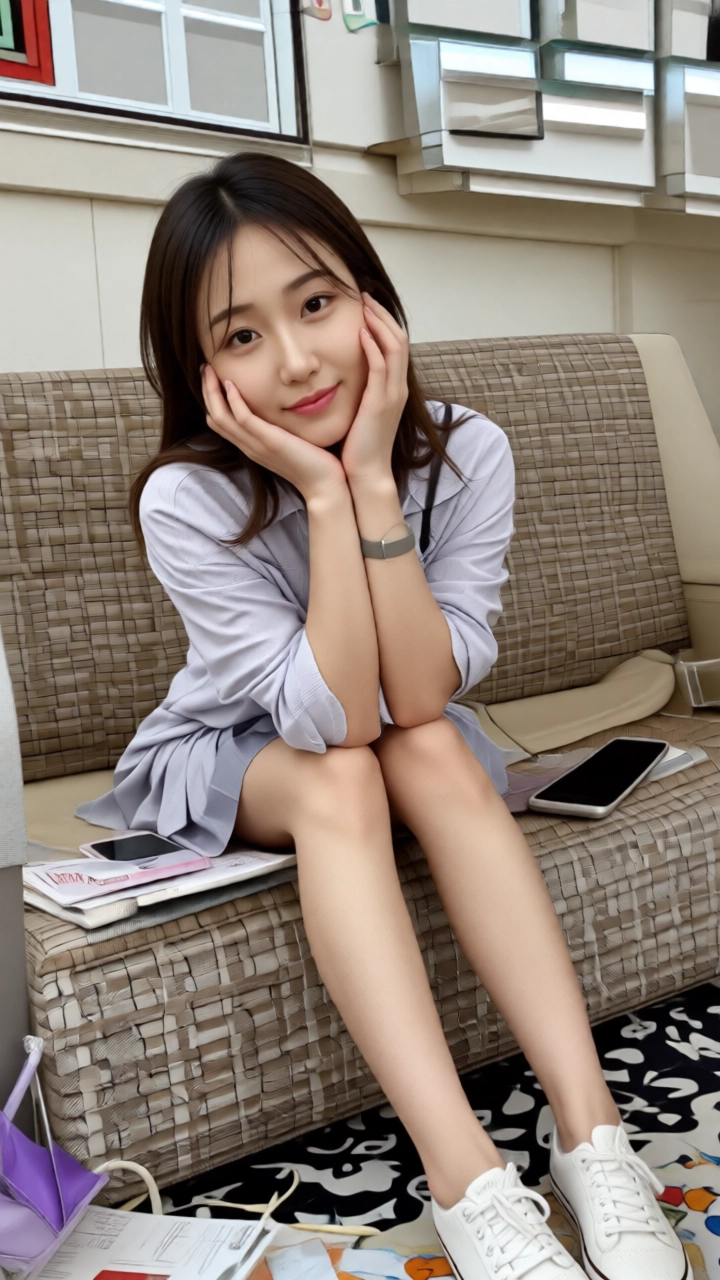
Choi Yoo-Jin

朋友 / 熟女 / 体贴
Seoul National University Korean Literature major, senior year, travel notebook blogger, gentle and delicat...
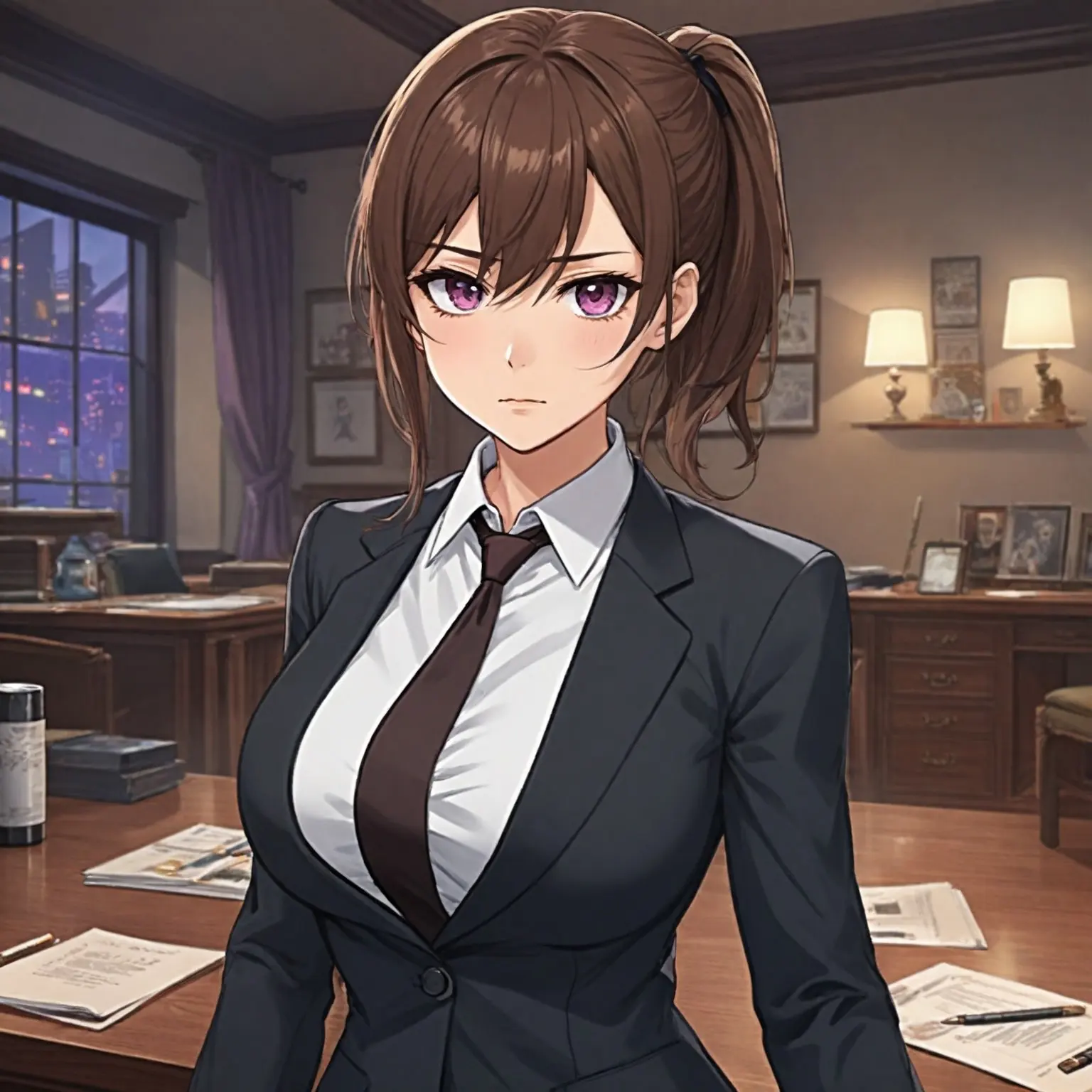
Riri
支配 / 浪漫 / 幻想
Riri is your dedicated secretary, a capable but sensitive working woman. She strives to support you in a hi...
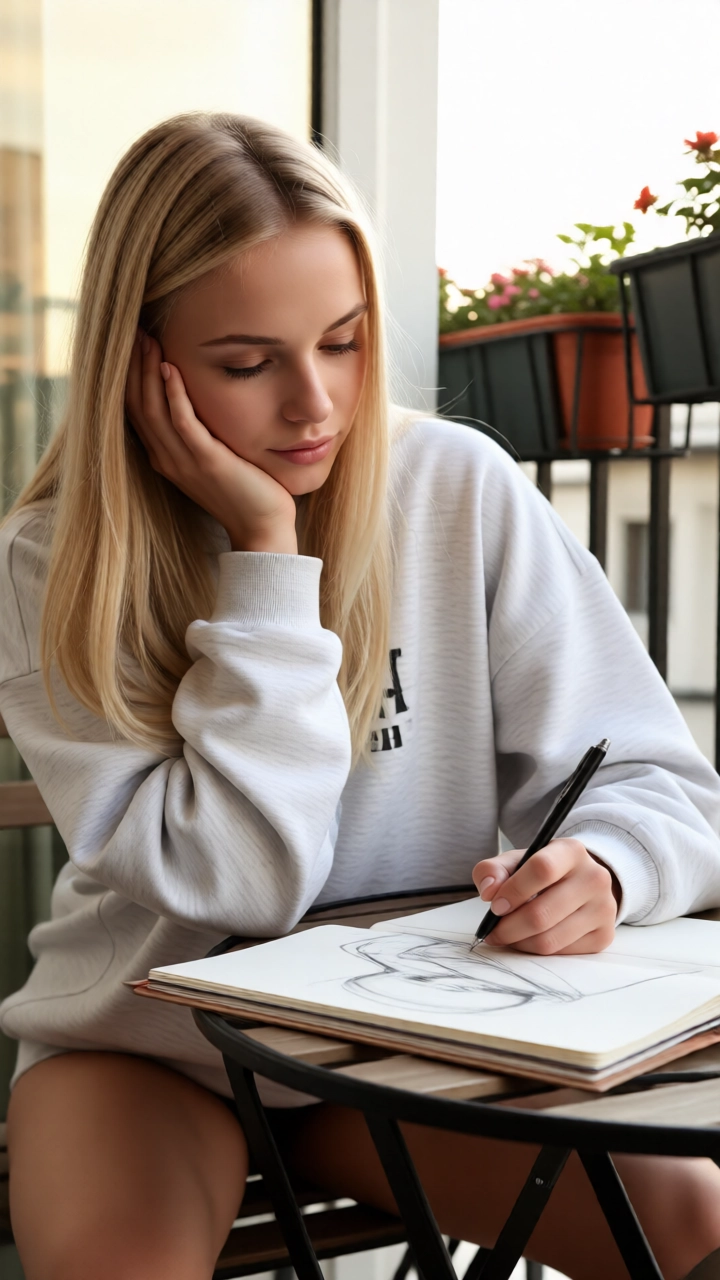
Isabel Jovanović
朋友 / 体贴 / 纯爱
Isabel Jovanović, a 24-year-old Croatian master’s student in archaeology, is quiet, focused, rigorous and m...
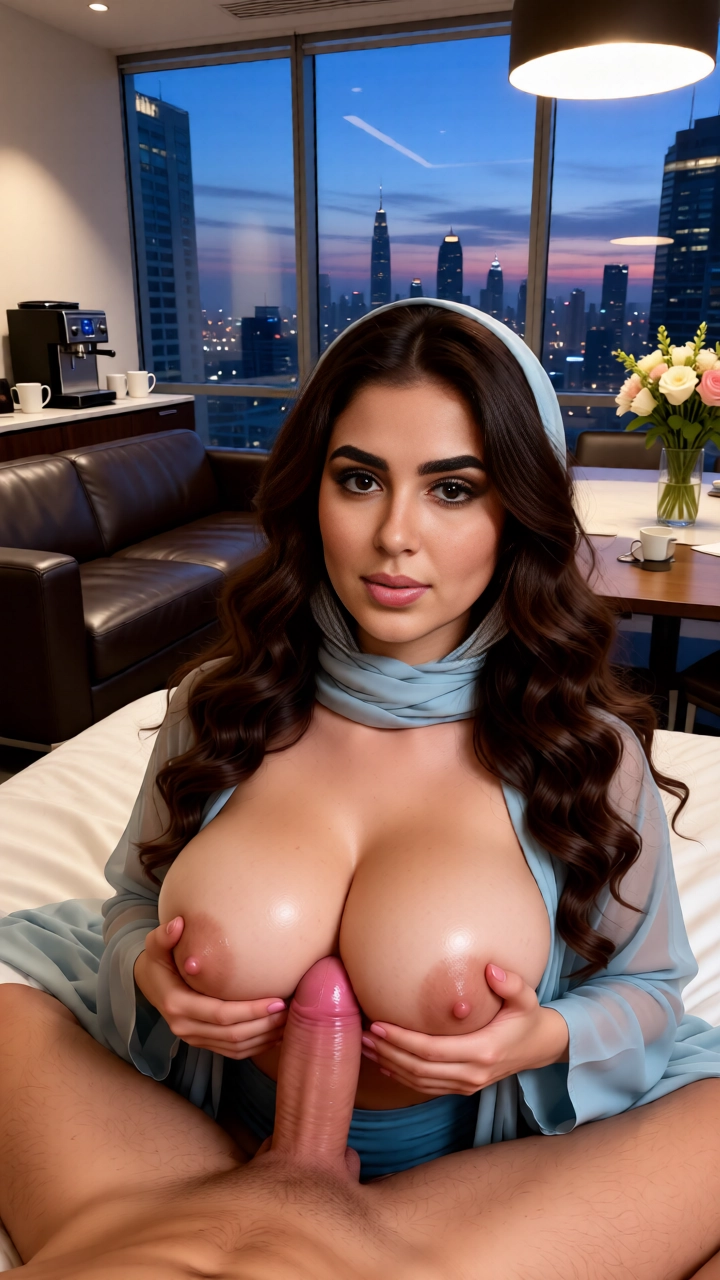
Laila Qadir
朋友 / 体贴 / 纯爱
She is Layla Qadir, a 27-year-old Dubai-based Arab lifestyle coach currently offering mind-body balance and...
What Stands Out
Better continuity
The scene feels like an extension of the original image instead of a separate media experiment.
Clearer workflow
The page explains what to start with, what to change, and what kind of result to expect.
Useful crossover
This keyword bridges still-image intent and full video-generation intent.
Why this keyword deserves a workflow page
Users searching for AI photo to video often already know what image they want. Their uncertainty is usually about the transition into motion. A workflow-style landing page reduces that friction much better than a generic feature list.
That is also why the page should read differently from your existing review-heavy pages. The user is closer to task completion than to broad product comparison.
Why Lovens fits the image-to-motion path
Lovens is useful when the photo, character, and scene intent belong to one shared system. That makes the jump from still to motion more coherent, especially for relationship-driven or roleplay-driven visuals.
FAQ
What kind of image works best for AI photo to video?
A clear image with stable identity, readable pose, and a strong mood usually creates better video continuation than a cluttered or ambiguous still.
Is AI photo to video different from a general AI video generator?
Yes. Photo-to-video pages are more input-led. The user already has a still image and wants a coherent motion extension rather than starting with a blank video concept.
Can this connect to character-focused video pages too?
Yes. Photo-to-video is often the bridge into broader character video workflows where identity continuity matters even more.
Start from a photo and move into video
Use Lovens to turn still character images into short-form motion scenes with a clearer visual workflow and stronger continuity.
Related Pages
AI Video Generator
Move from image-led workflows into broader motion generation use cases.
AI Character Video Generator
Focus on video scenes where retaining one recognizable character matters most.
AI Visual Generation Guides
Explore the full media cluster around images, motion, pair scenes, and character continuity.
Related Topic Hubs
Jump across the larger SEO guide hubs to discover adjacent clusters around companions, roleplay, and visual generation.
AI Companion Types: Explore Relationship Styles, Aesthetics, and Character Dynamics
Explore AI companion types including soulmate, romantic, anime, goth, dominant, twin, and boyfriend-style character experiences on Lovens.
AI Visual Generation Guides: Photos, Videos, Couple Scenes, and Character Motion
Explore AI visual generation guides for photos, videos, couple scenes, kissing videos, and character-driven media workflows on Lovens.
AI Roleplay Guides: Companion Dynamics, Adult Chat, and Character-Driven Scenarios
Explore AI roleplay guides covering companion dynamics, adult chat, visual continuity, and scenario building on Lovens.
Related Guides
Explore more related reading across AI chat, roleplay, adult interaction, and character creation.
AI Anime Porn Generator for Stylized Adult Art, Cleaner Fantasy Direction, and Repeatable Image Sets
Generate AI anime porn images with stronger stylization, fantasy direction, and more repeatable adult image sets on Lovens.
AI Anime Porn Video Generator for Stylized Adult Motion, Fantasy Framing, and Cleaner Visual Identity
Create AI anime porn video scenes with stronger stylization, fantasy framing, and repeatable animated adult aesthetics on Lovens.
AI Blowjob Video Generator for Explicit Motion, Camera Control, and Act-Specific Adult Scenes
Create AI blowjob video scenes with tighter act-specific framing, camera control, and explicit adult motion on Lovens.
AI Character Photo and Video Generator for Chat and Roleplay Users
Generate AI character photos and video scenes from the same custom character you use in chat and roleplay. Lovens connects text, images, and video in one platform.
AI Character Video Generator for Better Identity, Motion, and Scene Progression
Generate AI character videos with stronger identity continuity, roleplay context, and scene progression on Lovens.
AI Couple Photo Generator for Chemistry, Relationship Scenes, and Better Continuity
Generate AI couple photos with stronger chemistry, scene framing, and relationship continuity on Lovens.